
How to Access cPanel from GoDaddy

Are you having trouble locating your cPanel in GoDaddy? Don’t worry, it’s easy to find if you know where to look. Here’s a short guide on how to access your cPanel from GoDaddy. Gaining Access to Your cPanel The first step is signing into your GoDaddy account. Once you are logged in, click the “My […]
How to Harness the Power of Shopify and WordPress Together
For any store owner or digital business, it is essential to have both a website and an online store. Shopify and WordPress are two of the most popular tools for creating these spaces. To get the best of both worlds, you can easily integrate your Shopify store with your WordPress website. Doing so allows you […]
Connecting Google Analytics to WordPress – A Step-By-Step Guide

Are you a WordPress user who wants to gain more insight into your website’s visitors and performance? If so, Google Analytics is the perfect tool for the job. In this blog post, we’ll show you how to connect Google Analytics to your WordPress site in just a few easy steps. Create a Google Account The […]
How To Enable The PHP Zip Module In cPanel
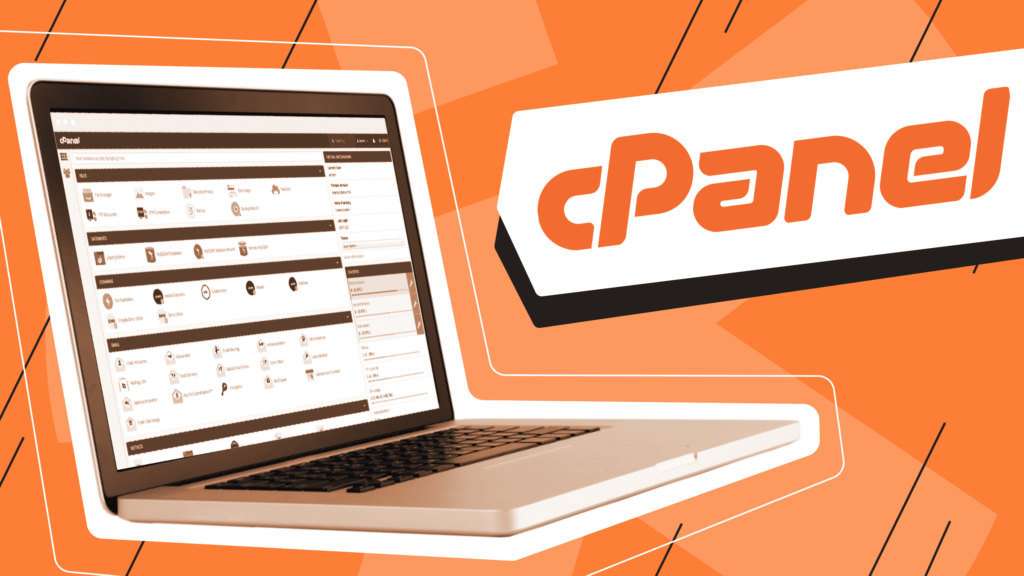
Enabling the PHP zip module in cPanel is an essential step in creating and managing websites. It is a powerful tool that allows you to compress and extract files on your server, which can greatly reduce the amount of space needed to store them. This guide will walk you through the steps necessary to enable […]
Installing cPanel – A Step-By-Step Guide
If you’re looking to install cPanel on your own server, you’ve come to the right place. Installing cPanel is a relatively straightforward process that can be completed in just a few steps. In this guide, we’ll walk you through the entire process so that you can start using cPanel quickly and easily. Let’s get started! […]
How to Create Email Accounts in cPanel
Having an email account associated with your website or domain is essential for any business. It allows you to communicate professionally with customers, colleagues, and vendors. If you are using a web hosting service such as cPanel, setting up an email account is straightforward. In this blog we will show you how to create email […]
How to Find Your GoDaddy cPanel for Easy Website Management
If you’re a GoDaddy customer, then you’ll likely want to know where your cPanel is located. cPanel is an easy-to-use control panel that helps you manage your website with ease. It’s packed with tons of helpful features and tools, and it’s the perfect tool for taking full control of your website. Here we provide a […]
How to Install cPanel on a VPS
Are you looking for an easy and straightforward way to install cPanel on a Virtual Private Server (VPS)? Look no further! In this blog post, we’ll discuss the steps necessary to get cPanel installed quickly and easily. By following these simple instructions, you can have your cPanel up and running in no time. So let’s […]
How to Master WordPress in 4 Simple Steps

Are you looking to learn WordPress? It can be a daunting task, especially if you’re new to coding and web development. But don’t worry! With a bit of time, patience, and guidance, it is entirely possible for anyone to become a WordPress pro. Read on for four easy steps that will help you get started […]
How to Create a Shop Page in WordPress
If you have an online store, or are just getting started selling products on WordPress, then you will need to create a shop page. A shop page is the best way to showcase your products and make it easy for customers to purchase them. This guide will walk you through the steps of creating a […]