
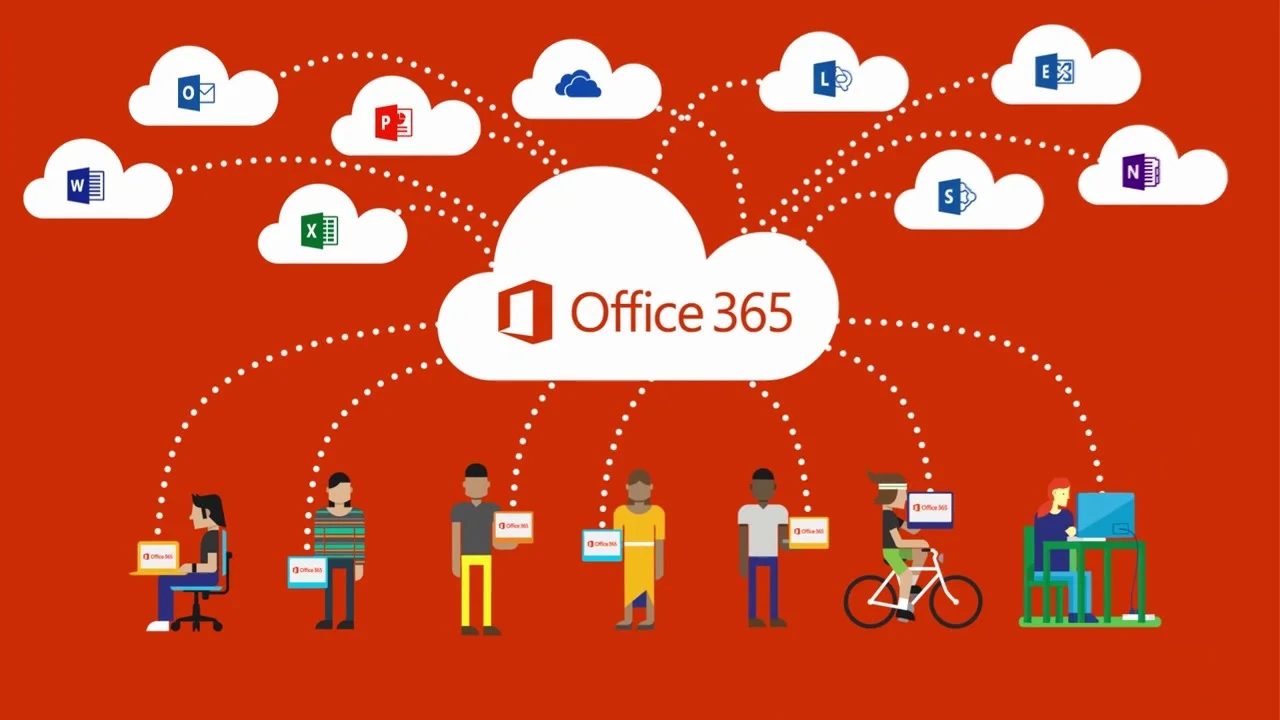
Microsoft Office 365 is a powerful suite of applications designed to help make your work life easier. Whether you’re a student, an entrepreneur, or a professional in an office setting, Office 365 has something for everyone. Here’s a quick overview of the main components of Office 365 and how you can use them to make your day-to-day tasks easier.
Microsoft Word
Word is probably the most recognisable application in the Office 365 suite. When writing reports, creating forms, or typing up documents, Word is the go-to choice for many people. With easy collaboration tools available and real-time editing capabilities, Word makes it easy to work together on projects with multiple users. Plus, you can access your documents from anywhere with just an internet connection.
Microsoft Excel
Excel is great for tracking data and creating spreadsheets that help you organize information better than ever before. Excel has charts and graphs that are easy to customize so you can visualize data quickly and easily. Plus, with its simple user interface, anyone can quickly learn how to use Excel without having any prior experience.
Microsoft PowerPoint
PowerPoint is a great way to create presentations that stand out from the crowd. You can add images and videos with ease while also incorporating audio if necessary. Plus, when using PowerPoint in conjunction with other Office 365 applications like Word and Excel, it’s easier than ever to create dynamic presentations that will wow your audience every time.
The Microsoft Office 365 suite offers powerful tools for anyone who wants to become more productive both at home and at work. Whether you need assistance writing documents, tracking data, or creating presentations – there’s something available in the Office 365 arsenal that will help you get the job done quickly and efficiently! Take some time to explore all of what Office 365 has to offer – we promise it will be worth your while!

